


• Home
  • Intelligent Automation

INTELLIGENT AUTOMATION

15.GROUP

15.Group connects processes, systems and information to create intelligent operational flows that reduce manual effort and keep work moving.

Powerful and Easy
CONNECTED OPERATIONS


Work Should Flow. Not Wait.

Many business processes still depend on people moving information between applications, checking what happened previously, repeating routine actions and deciding where work needs to go next.


We examine the complete operational flow rather than automating individual tasks in isolation. That means understanding what starts the process, which systems and people are involved, where information changes hands and what prevents work from progressing.


Automation can then connect those points — allowing information, actions and decisions to move through the organisation with less manual intervention while keeping people involved where their judgement is required.

Follow the Work
Understand how activity actually moves between people, teams, applications and information.
Find the Friction
Identify repetitive actions, manual transfers, delays, duplication and points where work regularly stops.
Connect the Process
Bring the required systems, data and actions into a coordinated operational flow.
Keep People Where They Matter
Retain human involvement for judgement, exceptions, approvals and responsibilities that should not simply be automated.
AUTOMATION OPPORTUNITIES


Automate Where It Makes Sense.

The best automation starts with knowing where intervention will make a practical difference.

Not every task benefits from automation, and automating an inefficient process simply allows the same problems to happen faster.


We look for activities where automation can remove unnecessary effort, improve continuity or make information available at the right point in a process.


The emphasis is on practical operational value — identifying where work is repetitive, information moves manually, processes regularly stall or disconnected systems create unnecessary effort.


01  Repetitive Work

Identify predictable activities that consume time without requiring continuous human judgement.

02  Manual Hand-offs

Reduce unnecessary movement of information between people, departments and applications.

03  Process Delays

Find points where work waits for information, routine checks or the next operational step.

04  Disconnected Systems

Connect applications and data where fragmentation forces people to bridge the gap manually.

CONNECTED WORKFLOWS

From Trigger to Completion.

Automation is designed as a connected sequence rather than a collection of isolated tasks. Each workflow defines what starts the process, what information is required, which systems participate and what determines the next action.


Rules and intelligence can be applied at different points depending on the requirement, while integrations allow information and actions to move between the applications already used by the organisation.


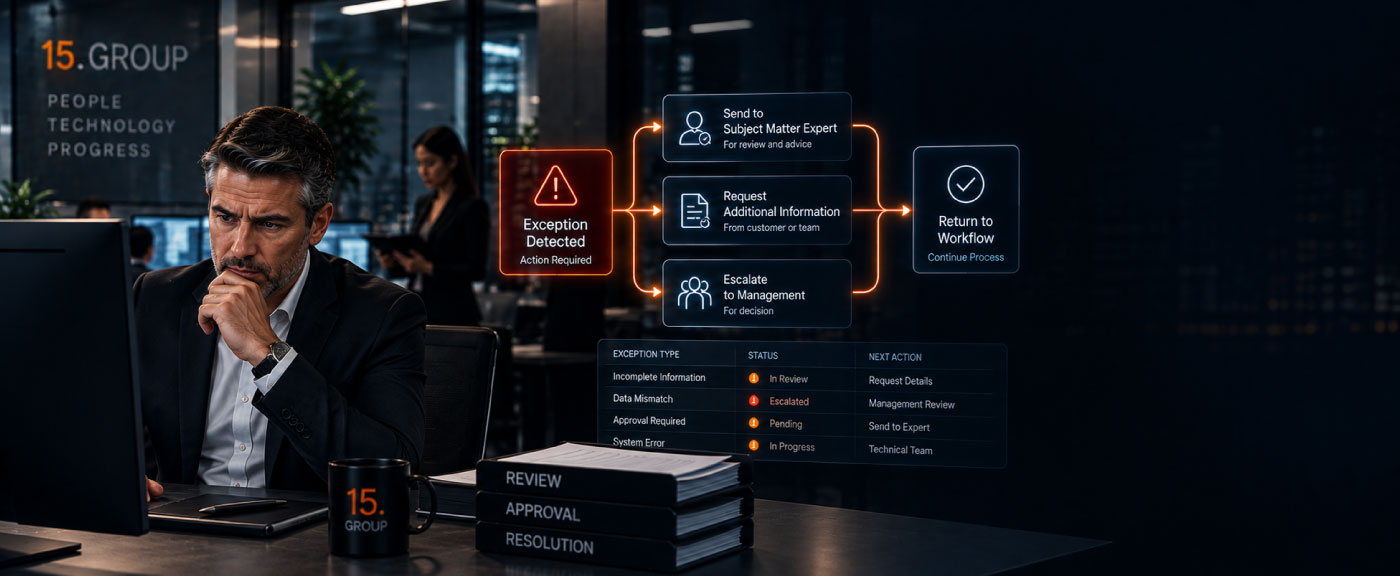
Exceptions are designed into the workflow from the outset, ensuring that unusual conditions, missing information or decisions requiring judgement can be directed to the appropriate person.

01  Trigger

Define the event, request or condition that starts the workflow.

02  Connect

Bring together the applications, data and services required to complete the process.

03  Coordinate

Sequence actions, rules and decisions so work progresses automatically between each stage.

04  Resolve

Route exceptions and situations requiring judgement to the appropriate person before the workflow continues.

AUTOMATION IN MOTION

Work Moving Without the Hand-Offs

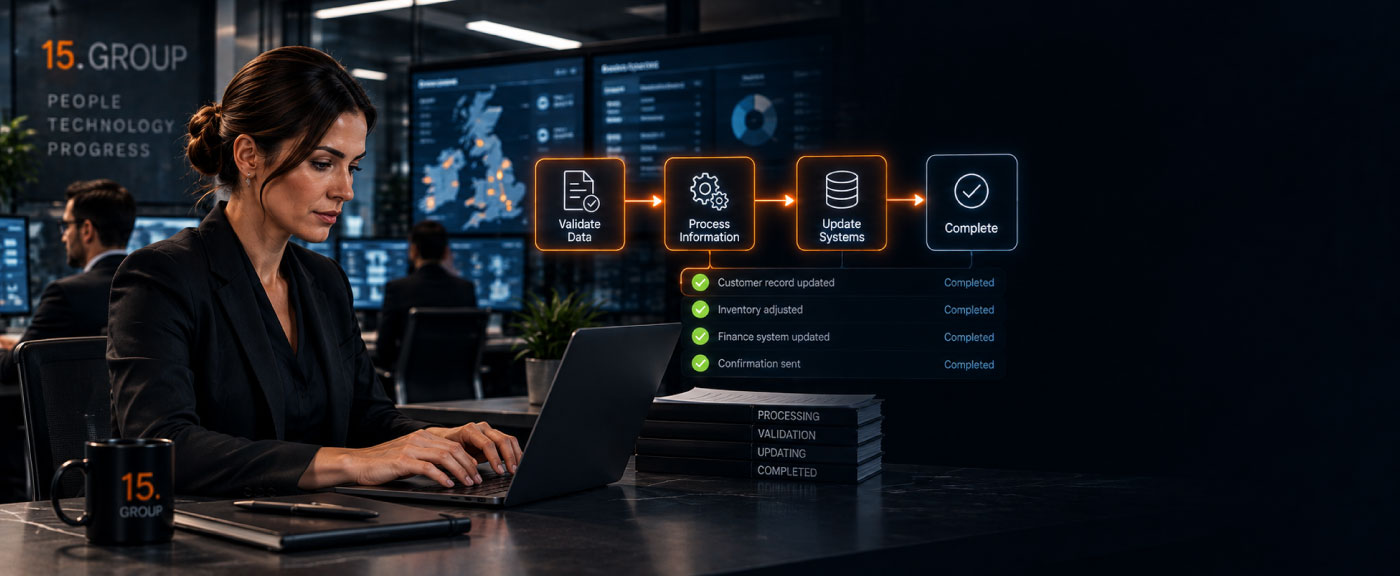
Intelligent automation keeps activity moving between systems, teams and processes. Each stage can respond to what happened before it, determine what is required next and involve people when circumstances fall outside the normal flow.

ACROSS THE ORGANISATION

Automation Beyond a Single Process.

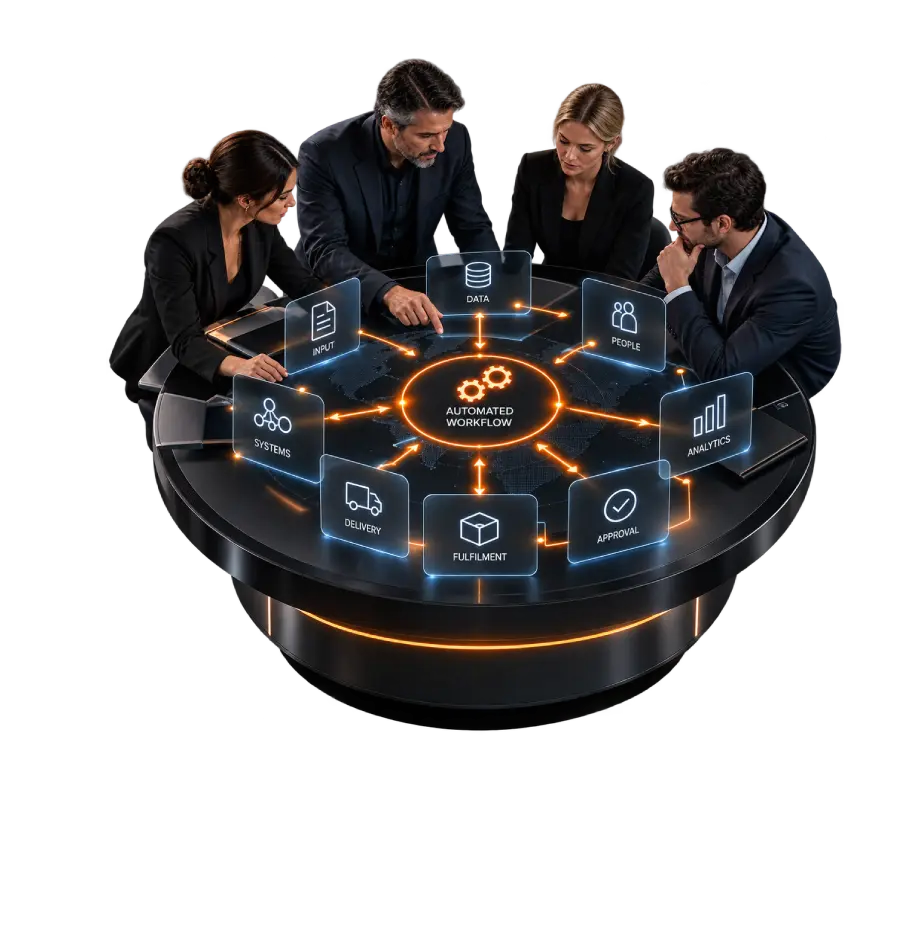
Operational activity rarely stays within one department or application. Intelligent automation can connect work across different functions, allowing information and actions to move between areas that would otherwise depend on manual coordination.

01 — Customer Operations
Connect enquiries, requests, records and follow-up activity across customer-facing teams and the systems supporting them.
02 — Finance & Administration
Coordinate routine processing, document handling, reconciliations, approvals and information updates across administrative systems.
03 — People Operations
Move employee information, requests, onboarding activity and internal processes between HR systems and responsible teams.
04 — Sales & Commercial
Connect leads, customer information, proposals, internal actions and commercial processes as opportunities progress.
05 — Service & Support
Route requests, gather relevant information, update records and coordinate the operational steps required to resolve issues.
06 — Operational Delivery
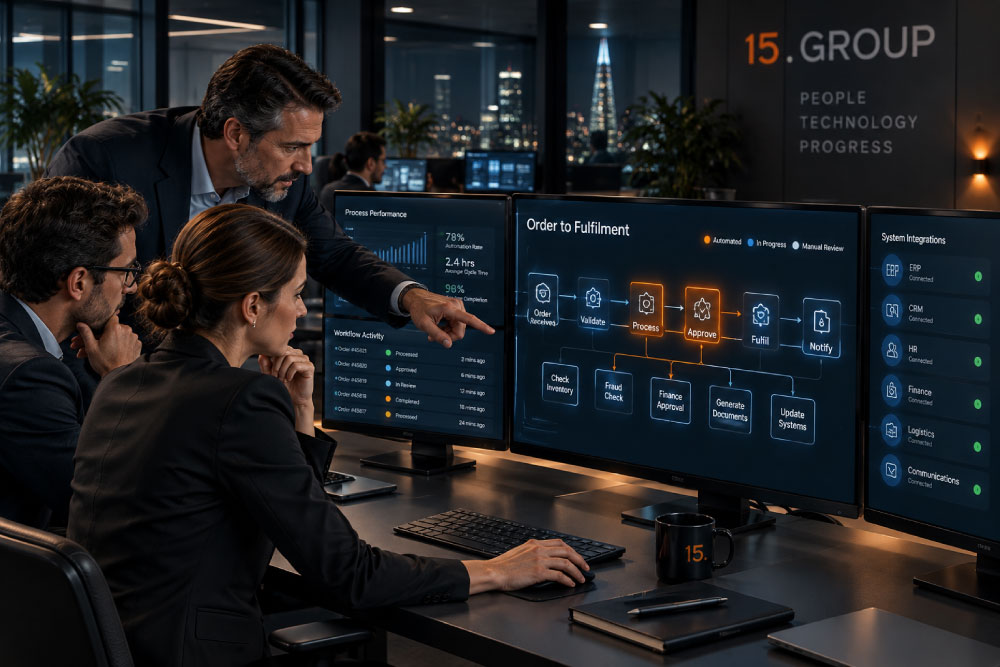
Link orders, inventory, fulfilment, logistics and other business activity where progress depends on several systems or teams working together.
OPERATIONAL IMPACT

When Work Flows, Operations Change.

Connecting operational activity changes more than individual tasks. It reduces the friction between them — creating processes that are easier to follow, easier to manage and less dependent on people manually keeping everything moving.

01: Fewer Hand-offs
01: Fewer Hand-offs
Reduce the need for people to repeatedly transfer information, re-enter data or move routine activity between systems.
02: Shorter Process Cycles
Remove unnecessary waiting between stages so work can progress as soon as the required conditions are met.
03: Fewer Process Gaps
Maintain continuity between systems and teams, reducing the risk of activity being missed, duplicated or left incomplete.
04: Clearer Exceptions
Separate routine activity from situations that genuinely require attention, giving people a clearer view of where intervention is needed.
05: More Predictable Delivery
Create repeatable operational flows that follow defined processes even when activity crosses multiple teams or applications.
06: Greater Process Visibility
Provide a clearer view of where work is, what has happened and what still needs to occur across the complete process.

DISCUSS INTELLIGENT AUTOMATION

Make Work Move Better.

If manual hand-offs, disconnected systems or repetitive processes are slowing your organisation down, tell us where the friction occurs.


We can examine how the work currently moves, identify where automation could make a practical difference and explore how systems, information and people can be brought into a more connected operational flow.

What Would You Like to Discuss?

Privacy acknowledgement

Please read our Privacy Policy